I tried to verify the organization even though I am a personal user. I kept a few dollars to work on my project. I generate the images that were requested to verify the organization. So I submitted my IDs 2 times, it failed, and in the third attempt, it was successful. After that, it asked me to submit my left and right camera images. It failed. I don’t know why it failed. Then I saw the session had expired. I tried many ti
mes but use. It is showing the same as the session expired. Can anyone help me
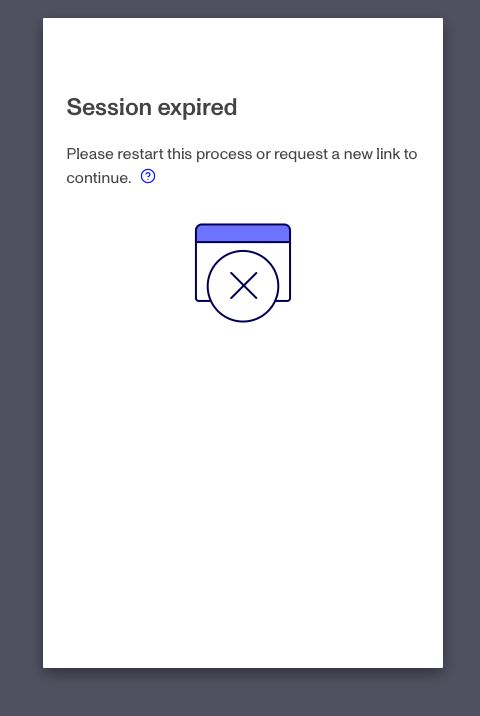
I have the same error as well. Reaching out to customer support has been useless as an AI responds with the same text all the time, which is useless
me too, someone solved it?
The same error and I was successfully verified the first time.
For anyone else who hits this issue after being successfully verified.
-
Wait, 30 minutes at least.
-
Generate a new API Key (this is what I was told from the support bot). It clears some type of cache.
-
Do a hard refresh on the org page. CMD+Shift+R