Hi!
I’ve been using GPT for a while via an API with a client (ChatHub plugin for Chrome). Now while updating the settings for my client to use GPT-5, i figured I need to verify my organization to access ‘protected models’, such as GPT-5, apparently. Here’s an output I’m getting from the OpenAI server:
{ “error”: { “message”: “Your organization must be verified to stream this model. Please go to: https://platform.openai.com/settings/organization/general and click on Verify Organization. If you just verified, it can take up to 15 minutes for access to propagate.”, “type”: “invalid_request_error”, “param”: “stream”, “code”: “unsupported_value” } }
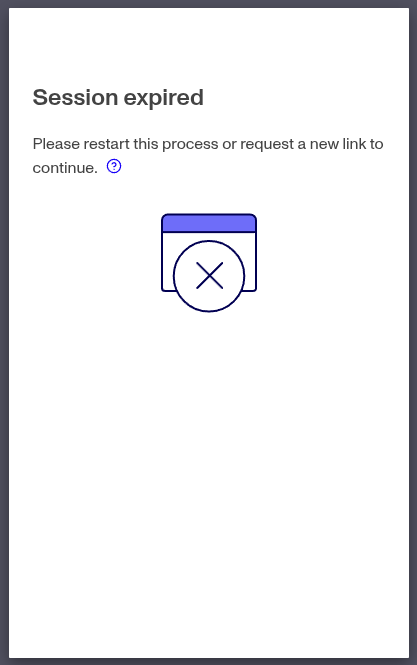
I went to General tab of an OpenAI Platform to verify; the pop-up gave me a link like Persona which refused to verify me in a browser and asked to email a link and open it on a mobile device instead. I did so, and seemed to pass the needed procedure for verification (got a green check mark), but I still get the same message via an API. When I try to start the verification procedure anew, it says: “Session expired. Please restart this process or request a new link to continue.“ But the new link I’m getting is exactly the same as the old one. How should I proceed to be able to use the latest models from OpenAI?