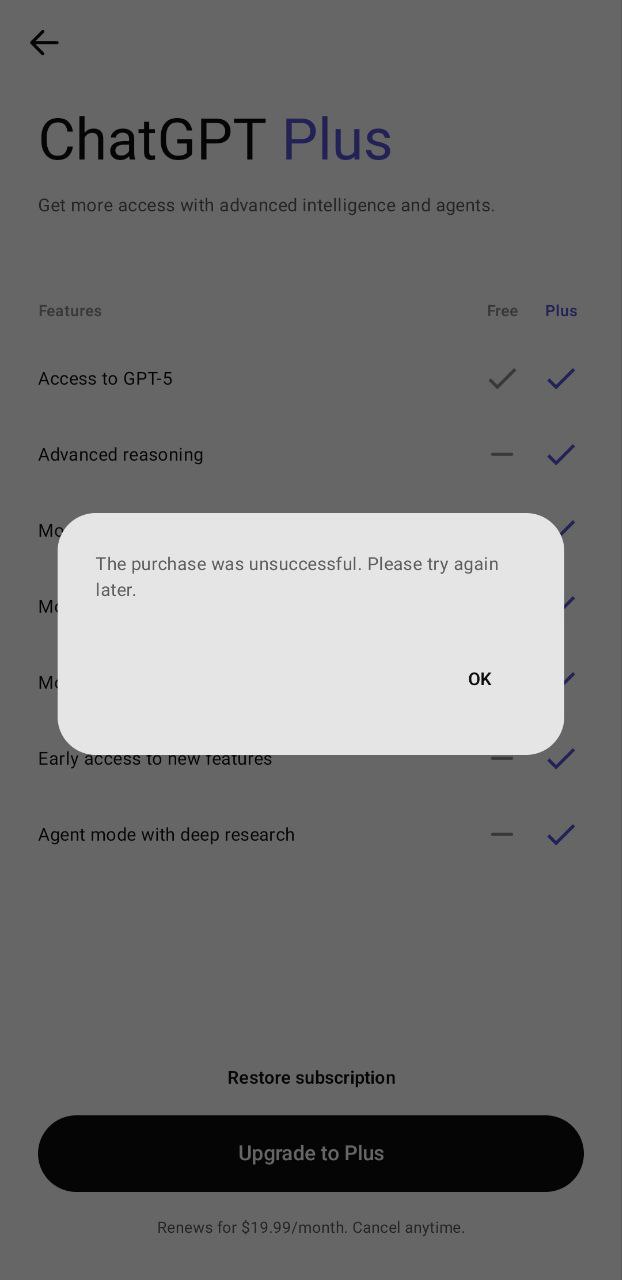
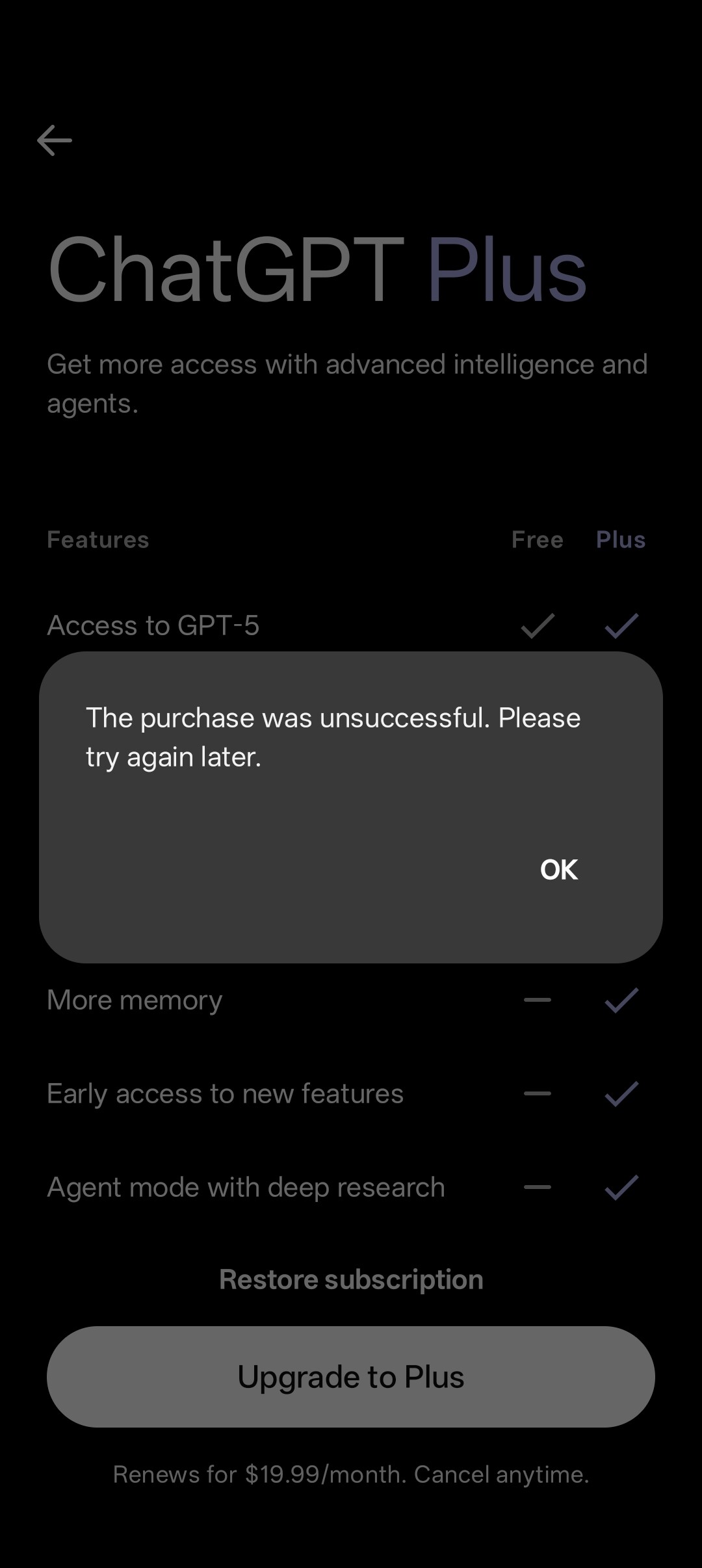
I’m trying to subscribe to ChatGPT Plus in the ChatGPT Android app. When I click “Upgrade to Plus,” the Google Play Store payment screen doesn’t appear, and instead, I get an error message saying, “The purchase was unsuccessful. Please try again later.”
This issue has been happening for two days now.
The ChatGPT app works fine otherwise, and the Google Play Store is functioning normally, I can subscribe to other apps without any problems.
I’m having the same issue. The pop-up shows up instantly after tapping on “Upgrade to Plus” and “Restore subscription” doesn’t do anything. Suspecting this is a bug that happens when you previously cancelled your subscription from Google Play rather than in the ChatGPT app itself, I contacted OpenAI Support a few days ago, but they haven’t got back to me yet.
UPDATE: I finally got a reply from them and the issue is now fixed. Also, I was informed it should be fixed for everyone too. Here’s the relevant section from our email correspondence:
Thanks a lot! We don’t have the ticket numbers in the current ticketing system, I am afraid, but we’re moving to a new one soon which will contain this info. But this specific issue (that was indeed fairly widespread) should be now fixed for everyone.
I’m having the same issue. It’s aggravating because I can never finish my image tasks without it and the damn app won’t even let me give it money, well done devs.
same problem, it seems like it has not been solved for everyone. messaged their support, they said:
Because the existing ChatGPT Plus subscription is managed through Google Play, the upgrade process depends on Google Play billing synchronization completing successfully. In some cases, active Android-managed subscriptions can temporarily prevent plan upgrades from processing correctly, which may result in the message: “The purchase was unsuccessful. Please try again later.”
To help refresh the billing state, please try the following:
Confirm you are signed into the same Google Play account originally used for the ChatGPT Plus subscription
Open the ChatGPT app and select “Restore Purchases”
Clear cache and storage for both Google Play Store and Google Play Services
Remove and re-add the payment method in Google Play
Restart the device before retrying the upgrade
Temporarily disable VPNs, ad blockers, or private DNS settings
Confirm with your bank that recurring, international, and 3D Secure transactions are enabled
Since your Plus subscription is currently tied to Google Play billing, plan upgrades may not process correctly through the web platform until the Play Store subscription state fully refreshes.
But yeah, all that didn’t help to resolve the issue.