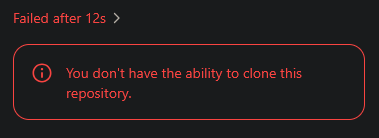
“You don’t have the ability to clone this repository.”
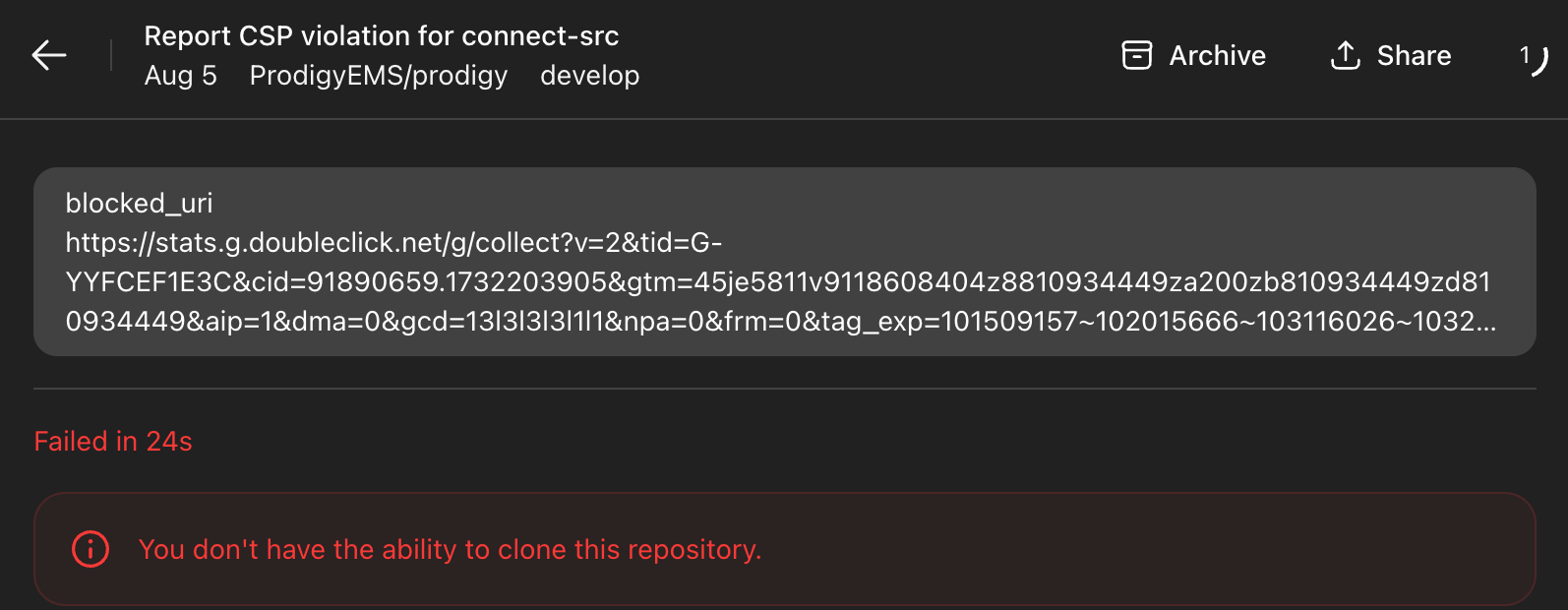
Every single task is failing with the following error.
Same problem here since yesterday. Note that there’s no problem when Asking the same question, but only exists when clicking on Code
I seem to have solved by going to the ChatGPT connector in GitHub and clicking on Save in Repository access @esetnik
Same is happening for us too.
Saving the connector didn’t fix it for us though.
I am also getting the error “You don’t have the ability to clone this repository.” again. Sometimes also “Failed to set up container.”
Got this for the first time this morning too.
Weirdly other repositories are working, it seems to be scoped to a specific repository.
I have tried removing the connector and reconnecting, this doesn’t seem to have done anything.
As a temporary work around I have installed the codex-cli:
npm install -g @openai/codex # Alternatively: brew install codex
Which is working well.
It was a mega-monorepo, and since splitting it into smaller repos, I haven’t encountered any clone errors.
I fixed this issue by doing .gitignore on several folders that were just being tracked for no reason. Also, I did git rm -r --cached “.godot” on other unnecesary folders. After doing this, Codex was again able to fetch and operate with the scripts.
Hello I have a new update. The problems returned. However! I fixed it completely now. I started a fresh git repository from 0. I deleted the .git folder on the project and created a new repository witha clean new commit. Now it works perfectly
Any way to solve this problem without making an entirely new repository when it happens? I’ve had the version of this in the past where I just had to reconnect/re-save the github connector and it fixed it, but now nothing is working. It isn’t tenable to create a brand new repository when this happens so looking for any other solutions.
Edit: Looks like I was able to fix it by fully removing all OpenAI connections and authorizations from the github side and re-adding it from scratch, then it was able to access all my repositories once again.
I’m seeing pretty much the same failures.
github permissions issues, that earlier today would sometimes go away if I disconnect and reconect, but at the moment are stubbornly staying
Several removals and additions and it was working again. Had to go do some other errands and just returned to continue working, to this:
Fully removed the connector and re-added it, got in 1 working request. Then this:

And right after that, back to failing the usual way:
Something is just completely broken with their connector.
Me too. It doesn’t matter what I do - I can start everything from scratch and still get the error, even when creating a new public repository.
I have a secondary account, and I can confirm that the same issue is happening there as well.
“You don’t have the ability to clone this repository.”
Hi everyone, thank you for adding your +1s! We're looking into this now.
We'd normally recommend going to chatgpt.com/codex/settings/connectors, unlinking GitHub and relinking again (from your account in the OpenAI workspace), which will pick up the latest link when kicking off a review task. However, I know a few of you already tried this and it didn't make a difference, so hold tight while we investigate.
To anyone lurking + also affected, please continue letting us know.
Status page update here: Github Authentication errors with Codex Web - OpenAI Status