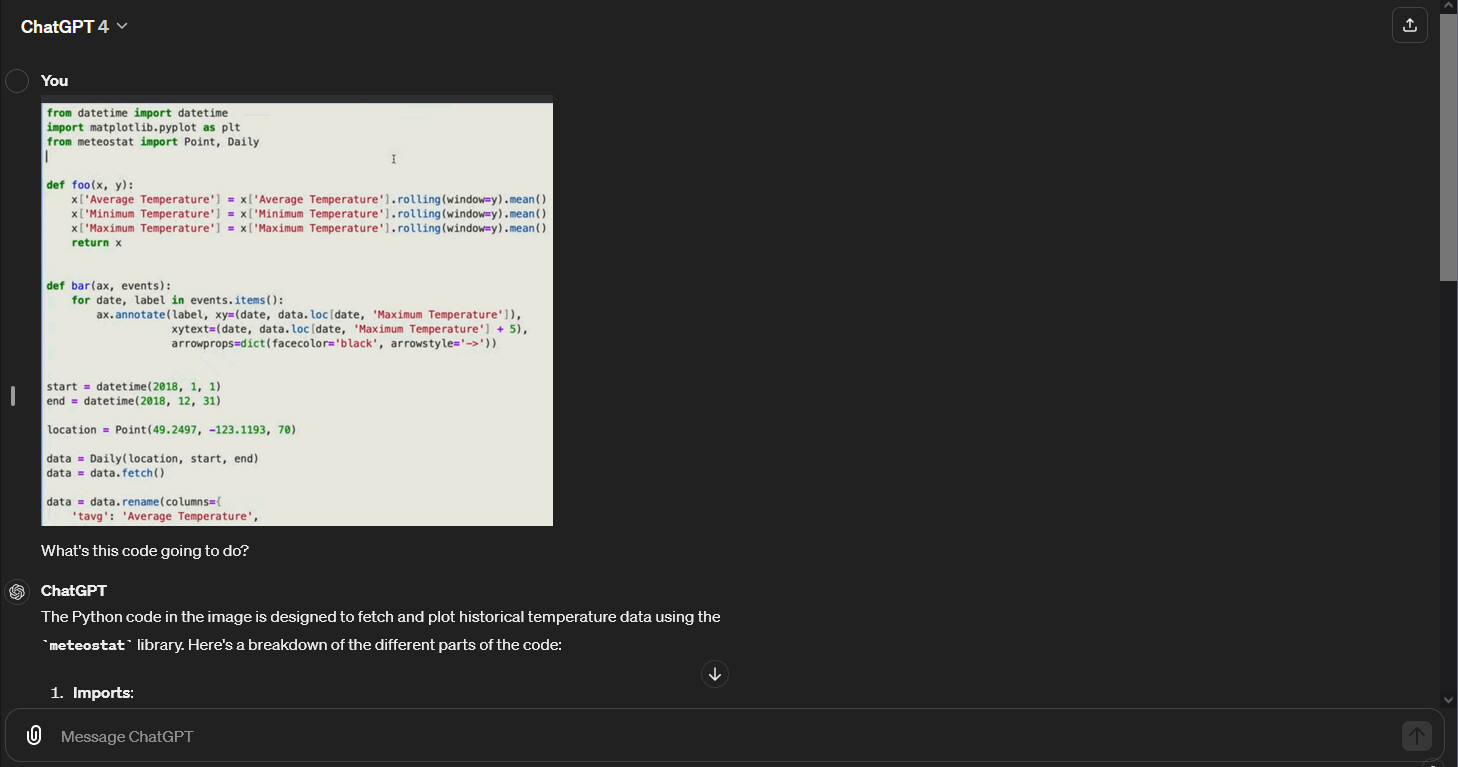
This morning, I noticed a new message appearing over the chat box that points to the file upload paperclip. Wish I had taken a screenshot; but it said NEW: connect apps to ChatGPT, and was pretty clear that I was supposed to click the paperclip.
When I clicked it, it just went to the usual file upload explorer screen.
Does anyone know if there are supposed to be some changes here?, I can’t see anything different
I’ve done a search in the forum and on the website and didn’t find anything about this anywhere.
The ChatGPT site just got a bit of “juice” redesign. For example, the button to collapse the chat sidebar is no longer at the border between the sidebar and messages, it is now at the top of messages (after me tweaking it in custom CSS today…). A fatter chat turn icon. The user message pinned to the right side of the chat window so the interface can be dumbed down to look like a phone chat.
I also reloaded and the Plus interface sat there with no GPTs to select until another refresh.
So because of instability, you may have seen a development feature temporarily that is disabled by a feature gate selector - possible ability to connect with Google Docs or Office365 documents.
In my simple script enabling full-width (just on code) earlier today:
Yes @_j that’s exactly what it said. Thanks for the response!
BTW thanks for the laugh; but you owe me a keyboard for that last comment in brackets about the iPad button. Mouthful of coffee when I read it now on my keyboard😂.
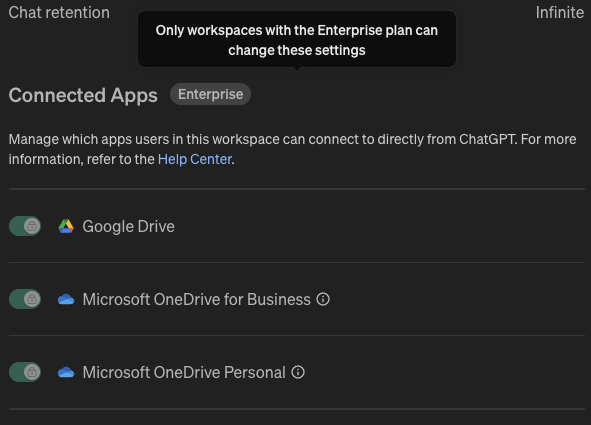
I have a Teams account and this is in the settings. They are all switched on (can’t access without Enterprise account) and i have tried to connect both Google Drive and One Drive Business but both have failed.