I ran into this problem, after downloading the ChatGPT desktop app. I granted access to my (built-in) microphone, yet it keeps showing me the: “Enable microphone access in Settings” message. I granted access to my microphone, reinstalled the app, restarted my pc, logged in-logged out, no updates available (for the app, nor windows - 11), my mic is functionable (works on every other app), yet can’t use this function on the desktop app. Anybody else has any ideas, suggestions for me please?
I have this same problem and still struggling to fix it. Anybody have a solution?
Stuck with “Enable microphone access in Settings”
I have the same issue. Microphone is already enabled in the browser settings. Yet the above error message persists. Worked on Android phone last time I checked but not on Linux Debian with Brave Browser. OpenAI please reply.
I was able to get working on Chrome by enabling it for the site in the chrome settings (I must have previously blocked it)
From Chrome instructions:
- Change a site’s camera and microphone access
On your computer, open Chrome. - At the top right, select More More and then Settings.
- Select Privacy and security and then Site settings.
- Under ‘Permissions’, select Camera or Microphone.
Hello, if it still doesn’t work, the issue lies within your computer’s speech recognition settings, not the access permissions. 
I have the same issue using dictation; my voice input does not convert to text. I have no issue when I start a video call session though; it works great!
Microsoft Windows 11 Pro
version: 10.0.26100 Build 26100
ChatGPT Windows App
version: 1.2025.258
microphone: Amplitank fifine K669
Head to the left side of the link bar. Click on the lock icon and look for Permissions on this site. Check there if you can Allow your mic. Leave on allow not default just in case  . Hope that helps. Did for me
  .
.
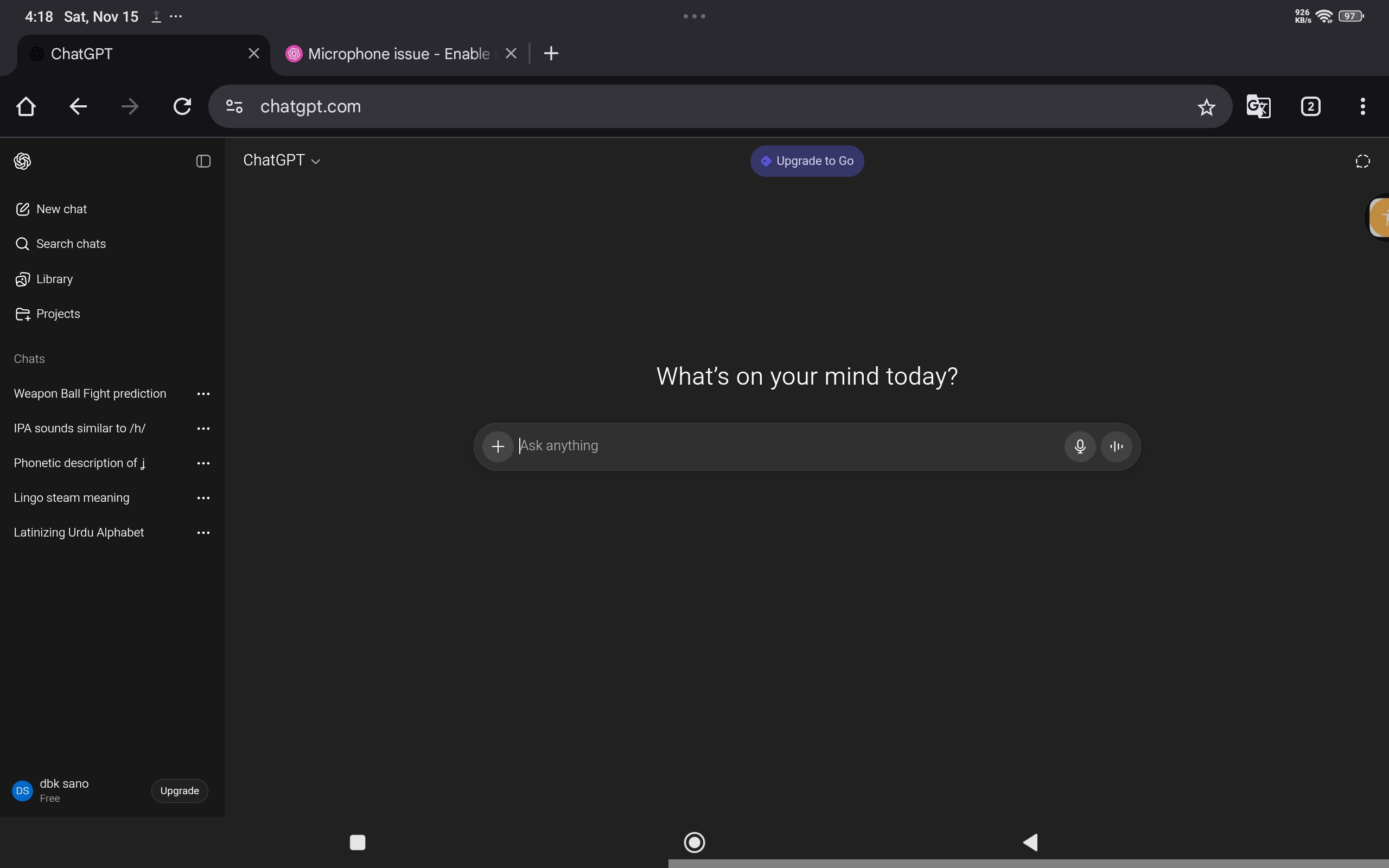
Yes. This worked. Thanks.
from chrome,|
settings, privacy and security,
site settings,
recent activity,
choose chatgpt, right arrow,
camera = allow, microphone = allow, whatever you need
go back to chatgpt, will prob have to reload to apply.