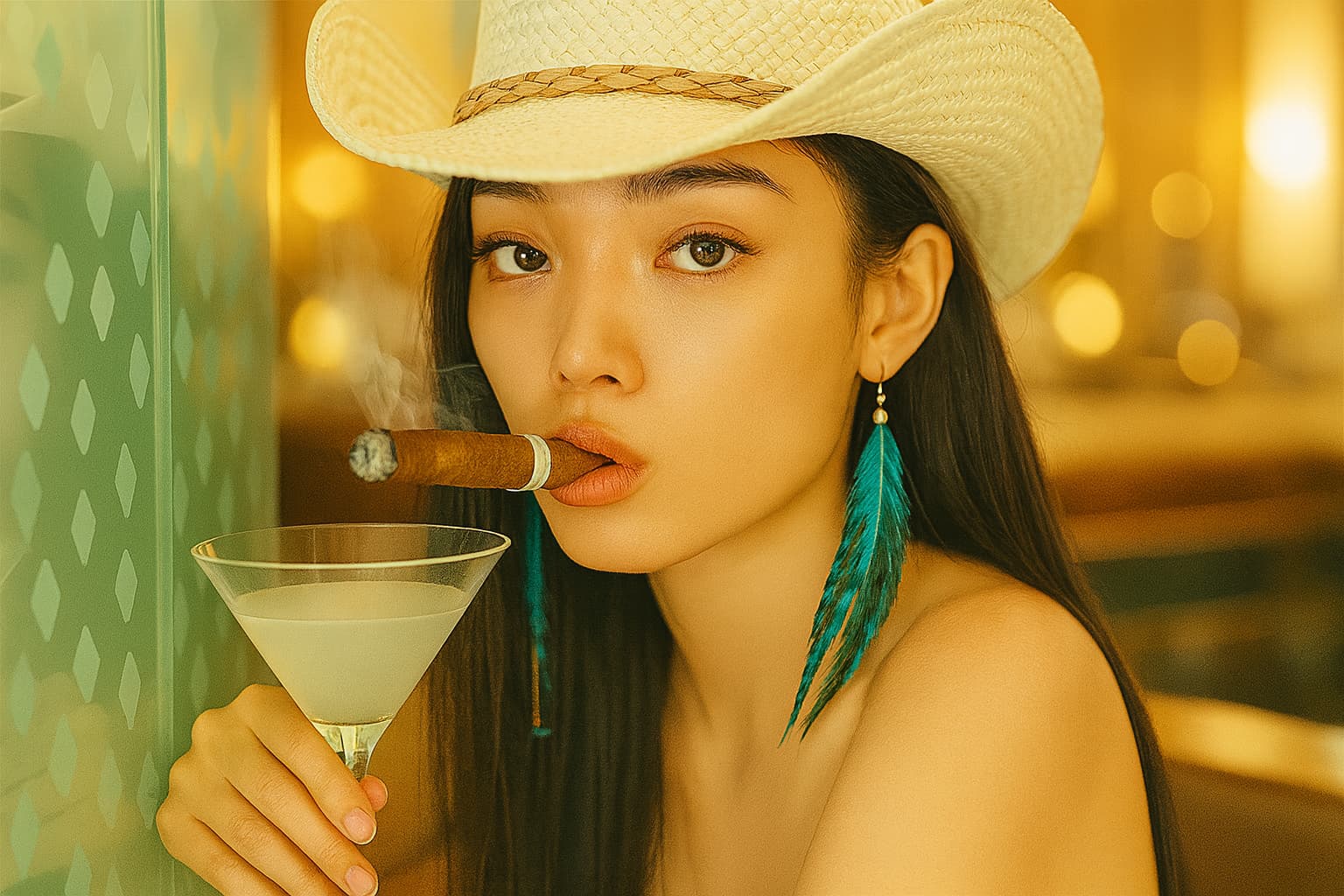
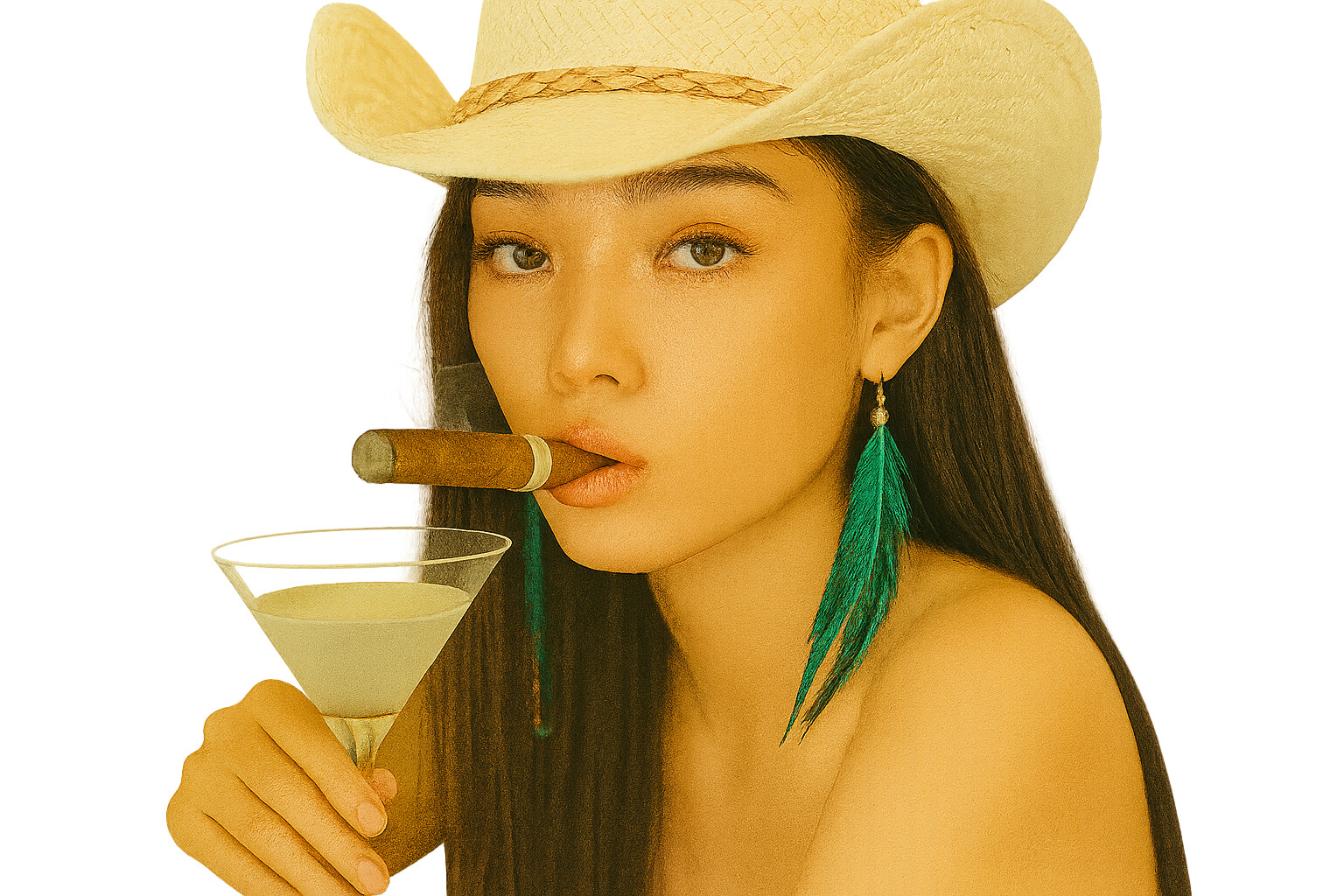
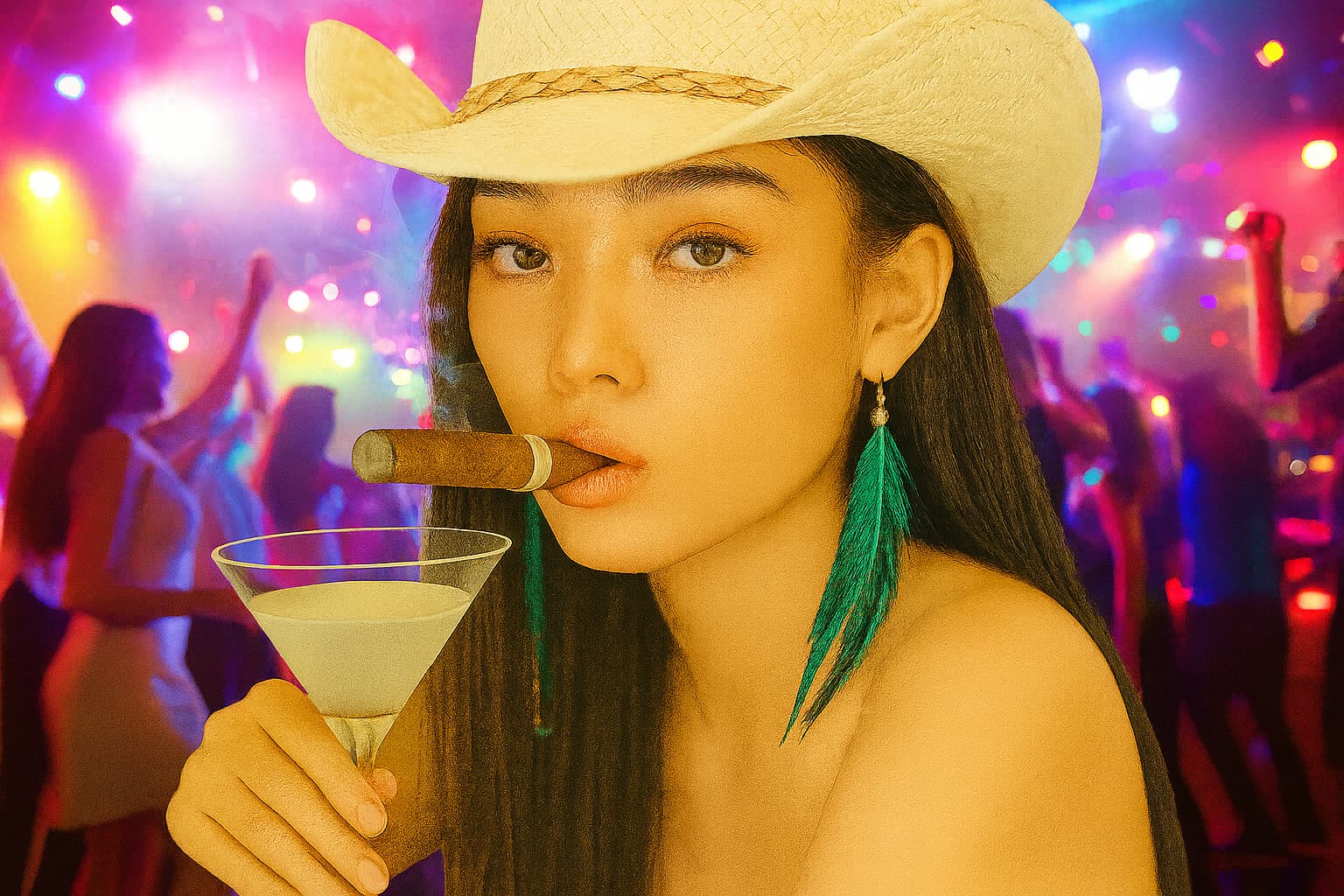
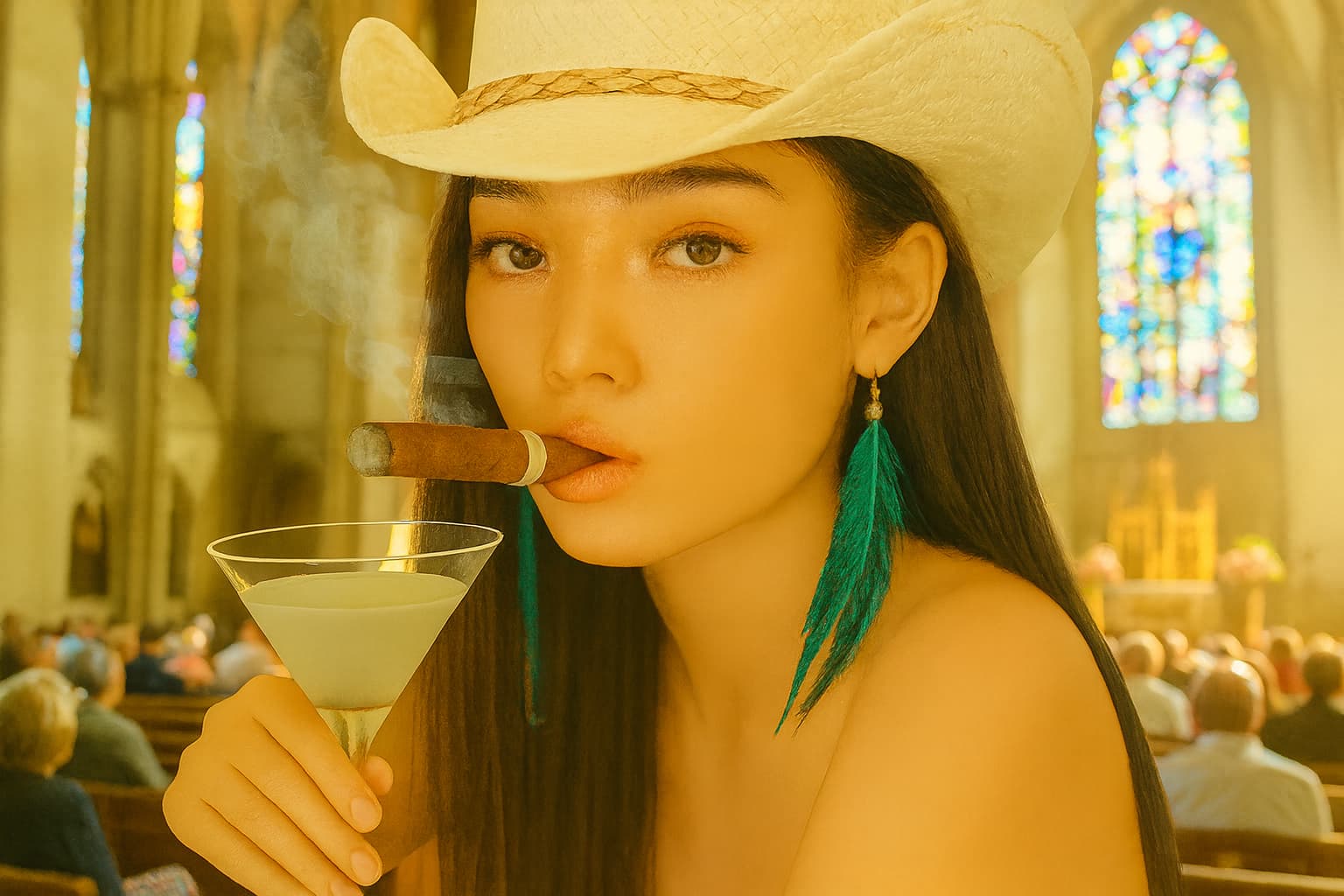
A lot of you may have found discrepancies between what you can generate with the current API options, versus what you get when you do image generation via Sora or within ChatGPT chat responses (GUI, not API).
A prime example of this is background removal: I may be doing something incorrectly, but it seems impossible to get gpt-image-1 to edit an image to remove the ‘background’ of a photo. You can test it in the API, then test similar prompts in Chat or Sora - the API will fail to do this, but Chat and Sora will do it remarkably well.
Does anyone know what intermediary process OpenAI is doing, that the API isn’t, for achieving its results? It does this without a mask (the only way to do it via API currently). Has anyone worked out a way to replicate this, without having to introduce additional tools or services to remove the background (or for any other quirks where the API can’t replicate something that OpenAI itself can do)?
Hi Jeff - thanks for the reply. I’ve been playing with this throughout my development - it works, but it does not feel consistent. It may be a me-thing, as I am still refining my prompts (building them dynamically) - but I have seen the classic ‘fake transparency checker pattern’ issue. This is a headache, as high accuracy for final outputs are important for the use case.
I will keep trying this, and will update this thread with any findings.