Why did you revert it back to only being able to use search and fetch?
Hurry up and get all tools back to a state where they can be executed.
I have also lost the ability for to use Developer Mode in chats now. Worked last week. What is going on?
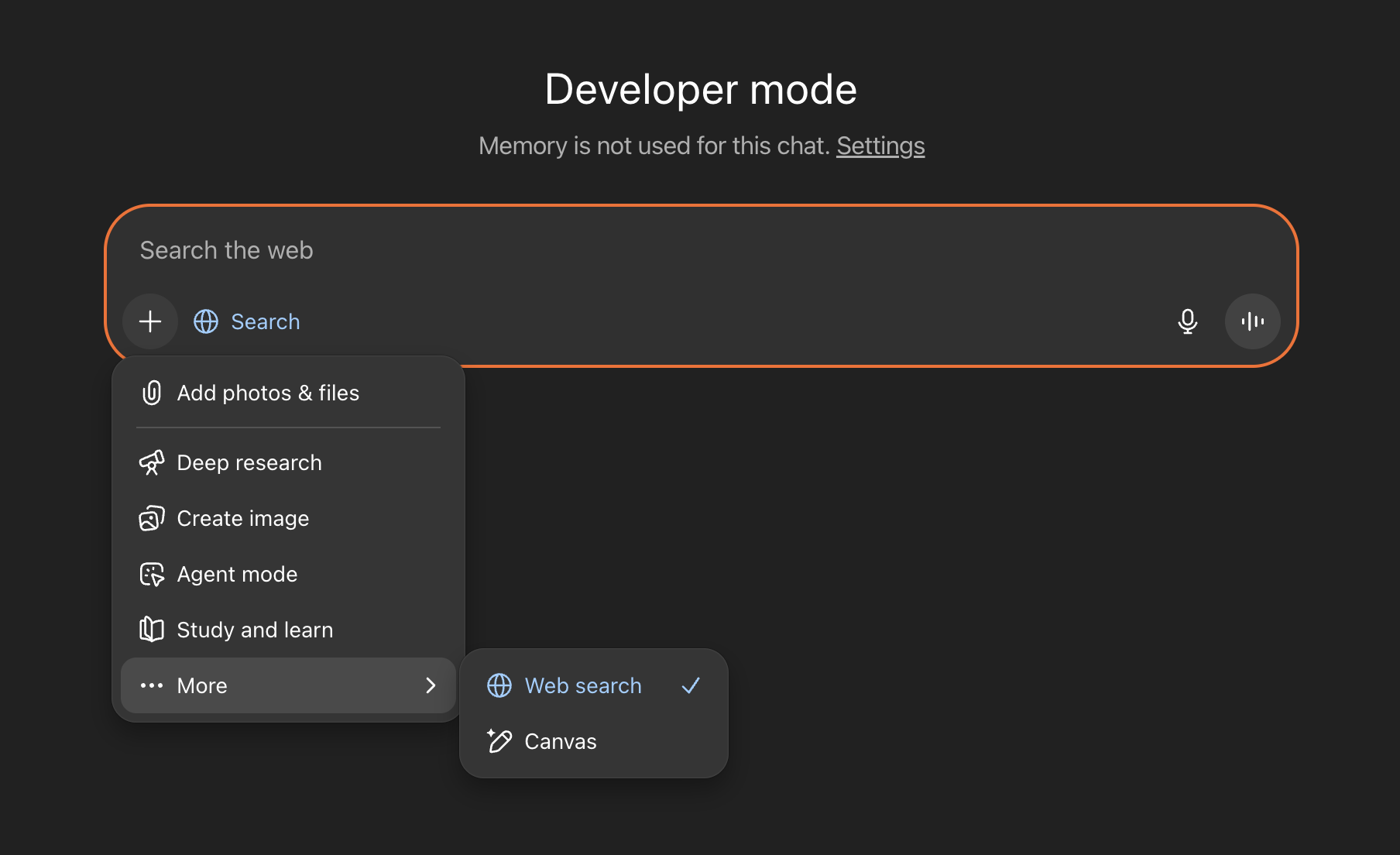
Could someone from the ChatGPT team clarify if this is an intended change or a bug?
3 Likes
any updates on this? did this get reverted silently?
1 Like
OpenAI, can you please comment on why this no longer works?
@edwinarbus can you give us more information? Thanks!
Seems MCP custom connectors are back in the UI now, but still don’t work, ChatGPT can’t find any exposed tool under the connector.

same for me, is this OpenAI internal? or do we need to do any changes?
The UI is bugged. Multiple threads about it.

I think who have team plan dont need developer mode i can create custom connectors and publish in the workspace but i have 2 issue
1 the tools is not visible in the connector view no list or something like that
2 the custom connector is not selectable in the connectors chat dropdown
some one have connecte n8n mcp trigger server to the chat gpt ?
Worked for me about 30 minutes ago, then stopped working again.
I have the exactly same issue. In settings tools are showing, but in conversation, api tools failed to find the tools. I observe on mcp server, no requests received.
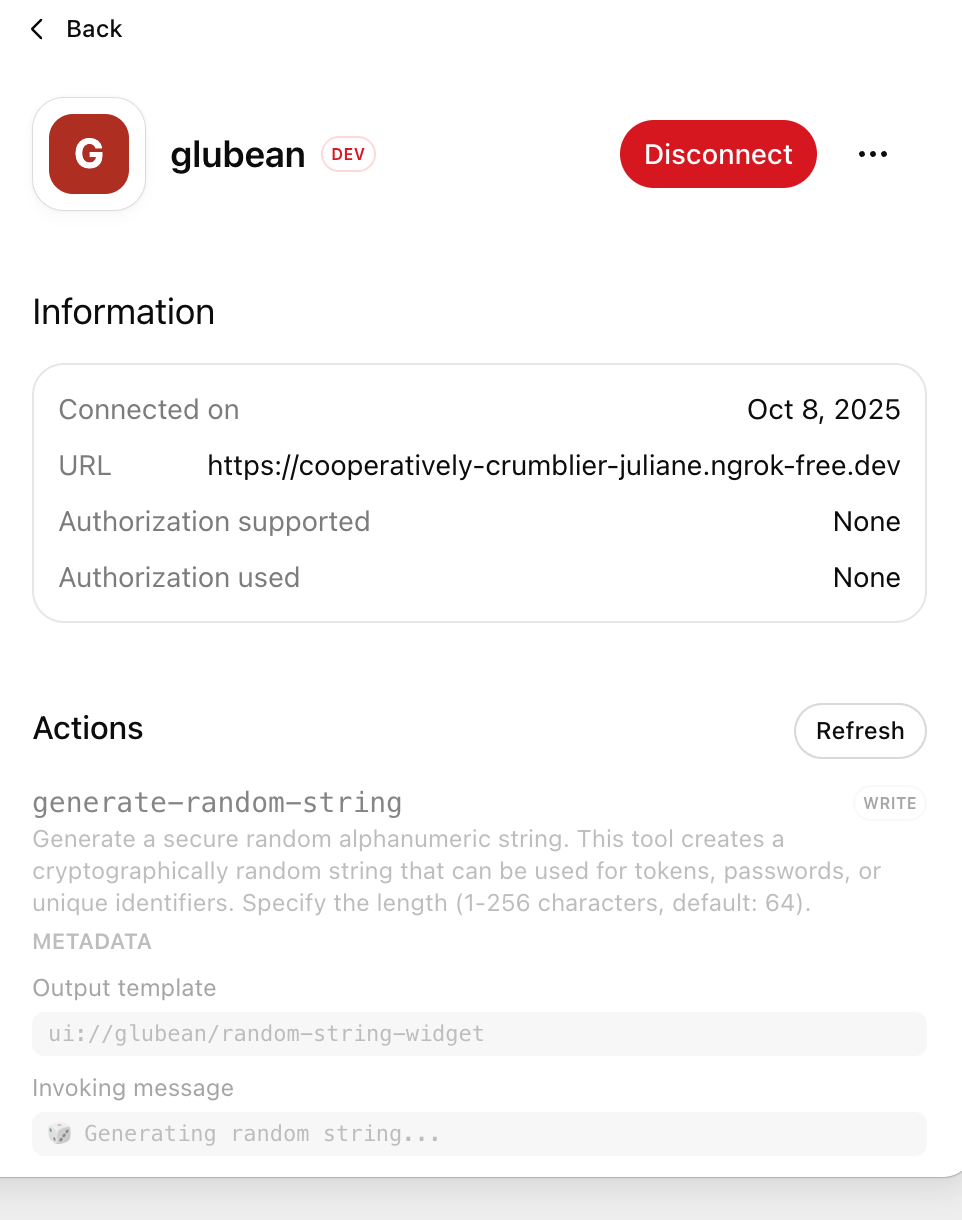
It works now. Tested on Ahrefs MCP
It has been working all morning here as well.
Started working, then I started getting “Hmmm… Something went wrong”.
Debugging shows a failed request to /settings with the response “401 (“Must use workspace account for this operation”)”
Does this mean Plus users can’t use MCP now?
You are correct, they updated the docs, and Custom MCP is no longer on the list for Plus accounts.
We are using business plan, I’ve can add a custom connectors, but they don’t work can you help please?